Image Distill
CRT bitmap portrait
Your subject inside an eccentric old computer screen
- Ratio
- Original, 3:4, 4:5, 1:1, 9:16, 4:3, 16:9 or 2.35:1
- Options
- Color palette
- Origin
- Distilled from an open-source GitHub skill · TaiT-tt/tait-crt-interface-skill
Each generation costs credits — see your balance in My space.
Create with this styleSamples
Real generations, not mockups.
Where this style came from
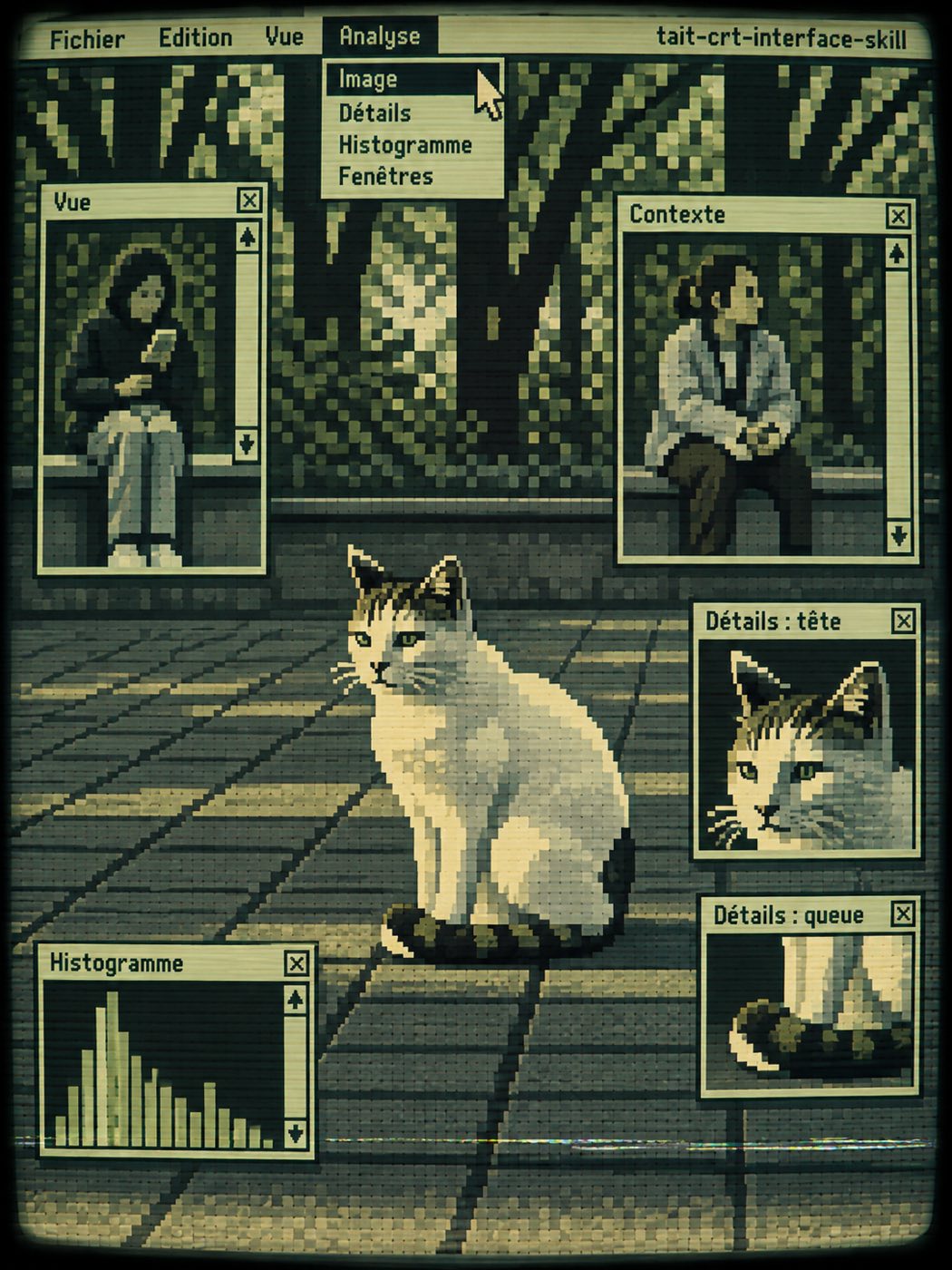
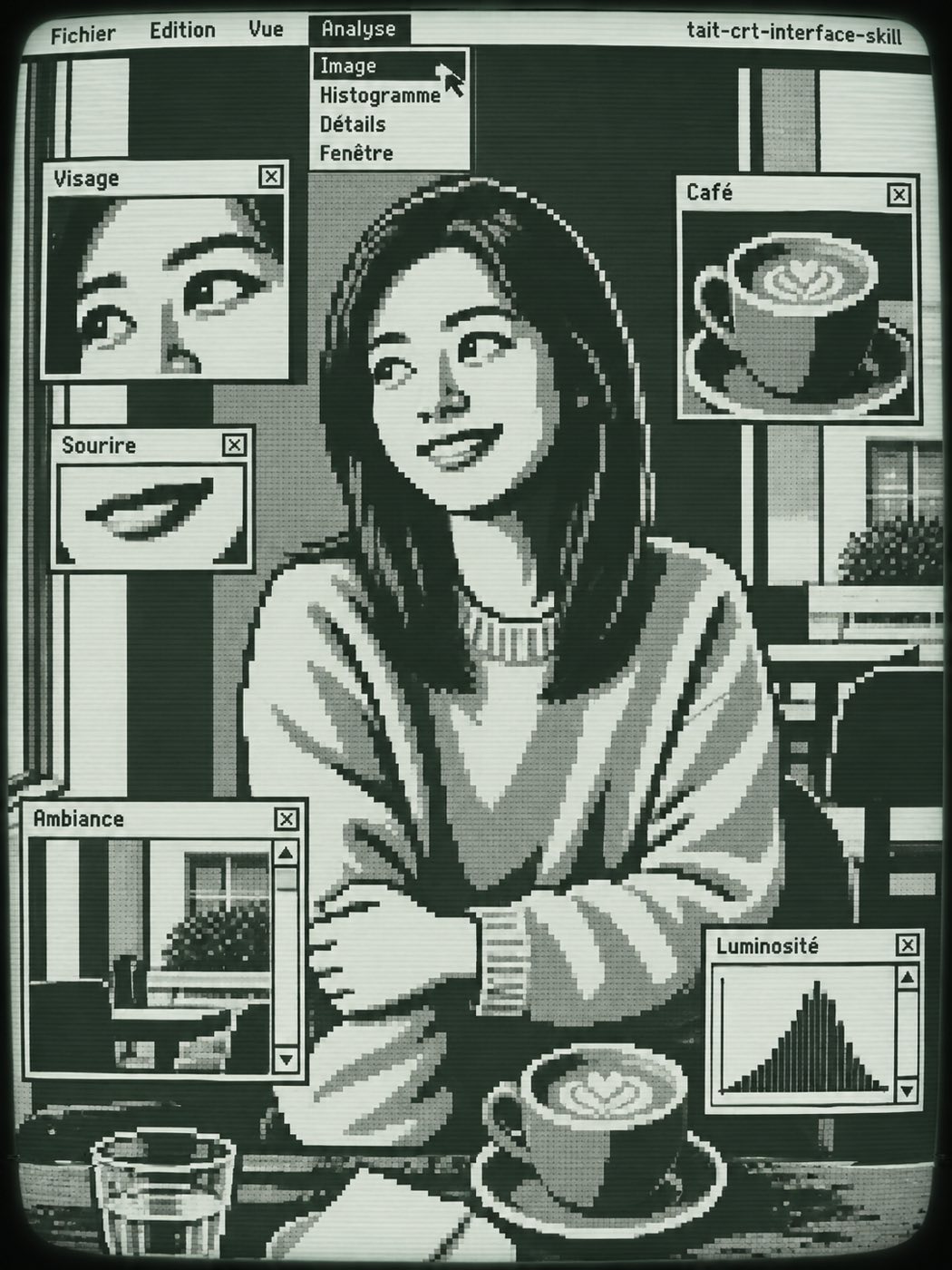
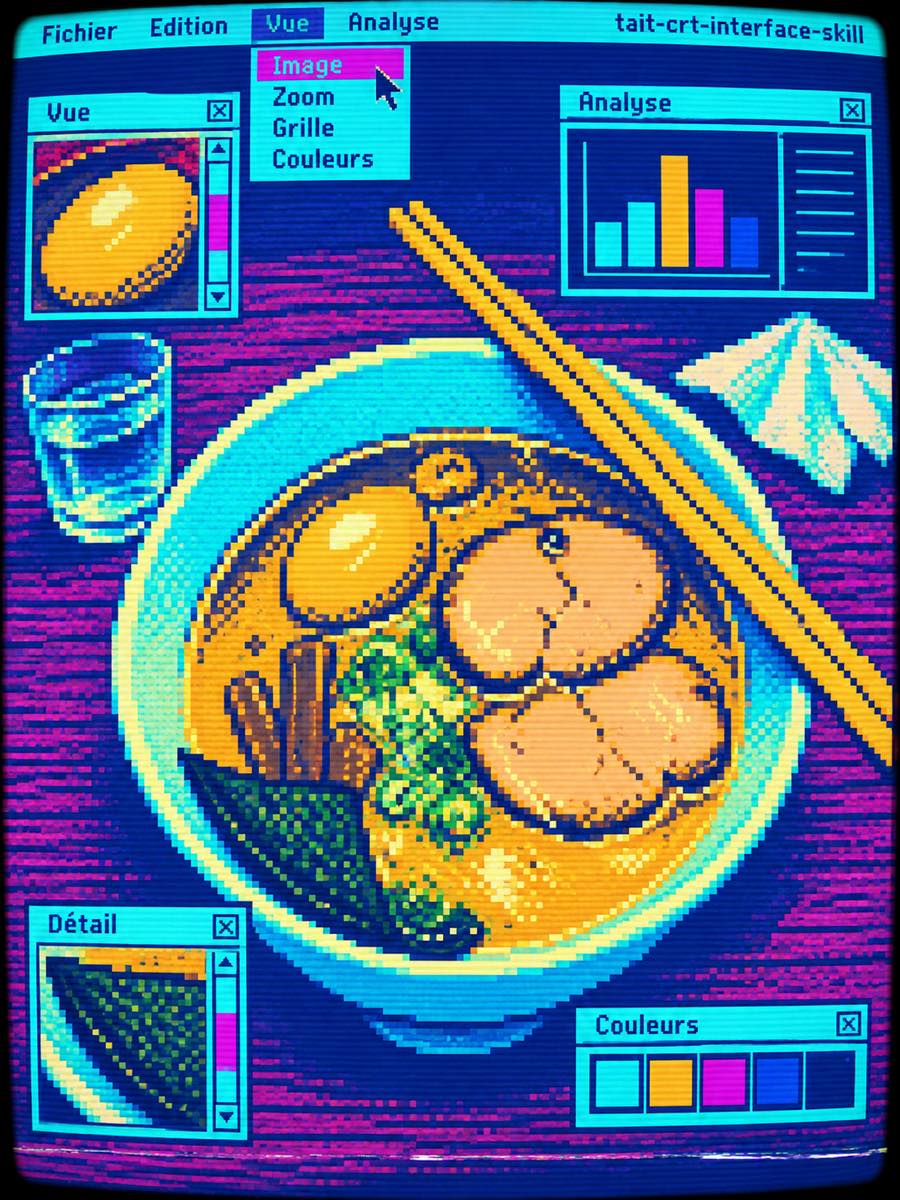
This style begins with a subject and rebuilds it as an eccentric old computer wallpaper. A cat can keep its white body, dark ears and curled tail without keeping every hair. A person can remain recognizable through a hair shape, a posture and one accessory even when the head and body become deliberately awkward blocks. That selective memory is the point of the drawing.
The interface has its own rhythm. Large and small windows overlap, a menu hangs open, and a few little windows examine details of the main subject. The subject remains behind them as one composition. Putting a second complete portrait into every window would make the result a contact sheet, so the detail windows stay partial and unequal.
The original workflow comes from TaiT-tt. Our adaptation moves its palette questions into the editor and asks the image model to handle its pixel and screen rules in one pass. We do not run the upstream pixel-quantization finalizer. Colors and pixel alignment therefore express a visual target rather than a guarantee that every output pixel matches a prescribed value.
The current upstream version favors solid planes on skin and permits checkerboard only where a non-skin surface needs it. We preserve that distinction, along with the readable title-bar signature. Pick a photo with a clear main subject and enough visual character to survive exaggeration. For a group, keep the important people visibly separated in the source.
What is in the prompt
- An authored caricature
- Keep a few recognition cues, then rebuild the subject from blunt angular masses. Prominent subjects stay distinct.
- Windows with hierarchy
- Unequal retro windows overlap around one large wallpaper subject, with small crops of distinctive details.
- A compact palette
- Choose colors from the photo, classic two-tone, geek green or arcade colors. Skin uses solid planes; checkerboard is optional elsewhere.
- The curved CRT edge
- Bitmap letters, scanlines and curved outer edges create the old-screen finish. The upstream title-bar signature stays visible.
The full production prompt is built into generation and is not published.
Take the prompt with you
A distilled public version of this style. Paste it into any image model and swap {subject} for your own scene.
Reimagine a photo of {subject} as an angular 1980s bitmap editorial caricature inside a retro CRT computer interface. Keep each prominent subject distinct using only a few identity cues, then rebuild it in blunt flat geometric masses. Place the large subject behind unequal Macintosh-style windows, tiny detail crops, a French menu and one cursor. Use a small coherent palette, one shared square pixel grid, clean solid-color skin, scanlines and curved CRT edges. Keep the title-bar text tait-crt-interface-skill readable. Avoid traced photography, smooth vector art, cute mascots and modern UI.
Example subject: a white-and-tabby cat sitting on a sunlit path
Good for / not for
Works well
- Portraits with a distinctive silhouette
- Pets and recognizable everyday objects
- Groups with clear spatial relationships
Not this one
- Photographic face fidelity
- Exact reproduction of clothing details
- A clean screen with no fixed signature
Common questions
Is this a pixel filter?
No. The subject is redrawn as a caricature. Identity cues remain, while proportions and contours are deliberately redesigned.
Can I choose the colors?
Yes. Choose From photo, Classic, Geek green or Arcade. The title-bar signature belongs to the upstream style and remains in every version.