Image Distill
Pathetic scribble
Redrawn as badly as possible, on purpose
- Ratio
- Original, 3:4, 4:5, 1:1, 9:16, 4:3, 16:9 or 2.35:1
- Options
- None
- Origin
- Distilled from an open-source GitHub skill · qinglingM/Illustration-Redraw-Skill-Collection
- GitHub skill
- Install for Codex ↗
Each generation costs credits — see your balance in My space.
Create with this styleSamples
Real generations, not mockups.
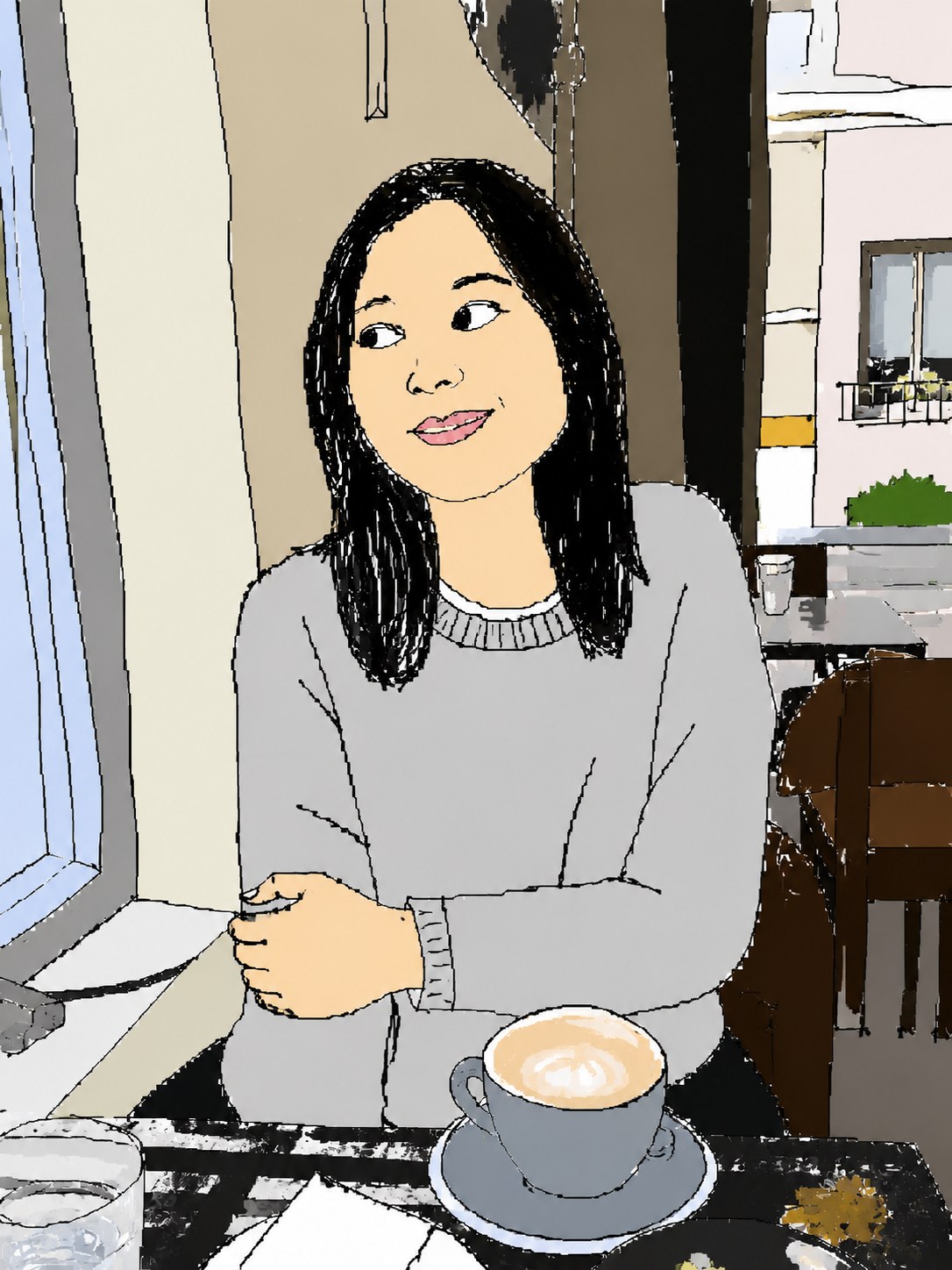
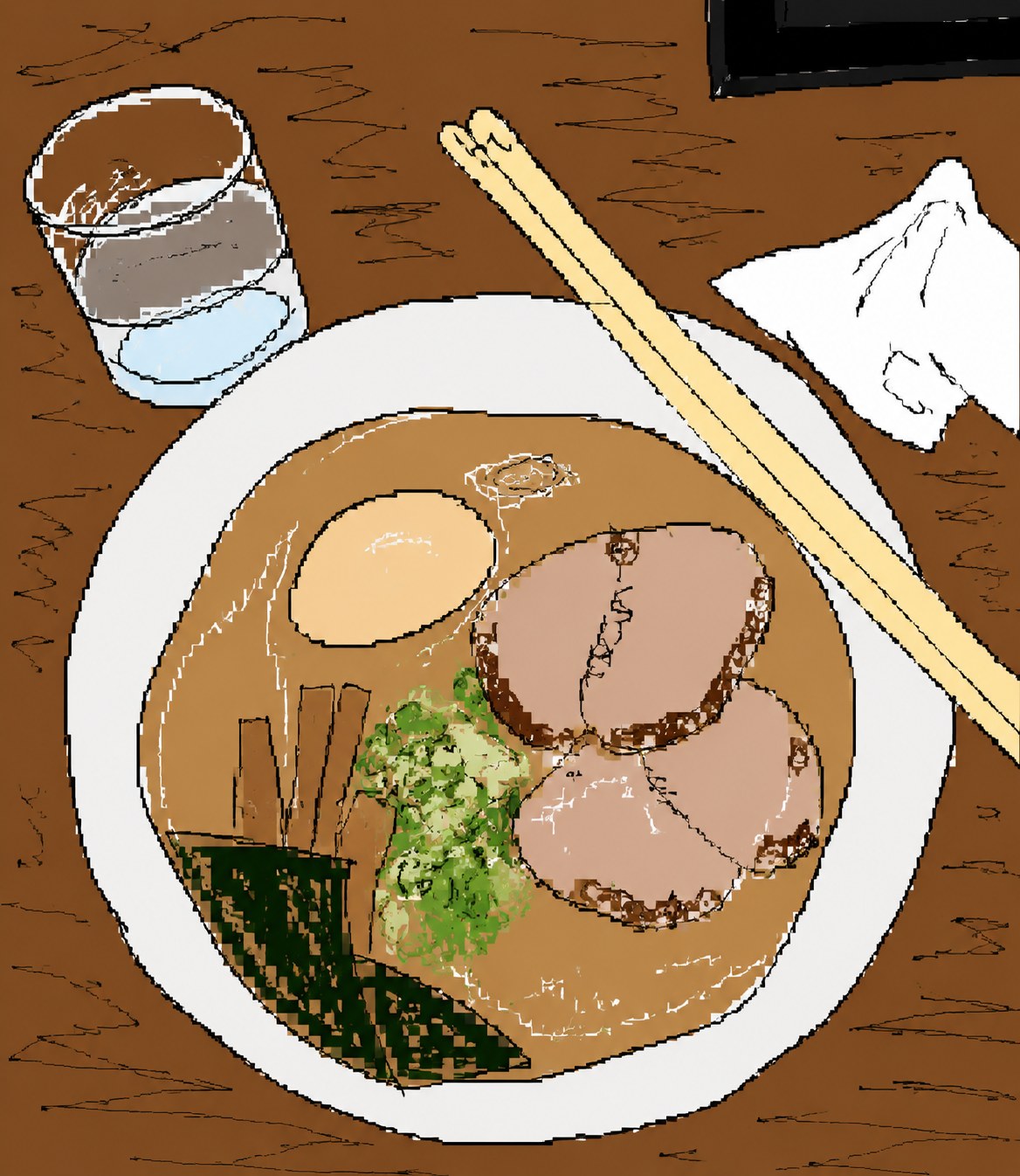
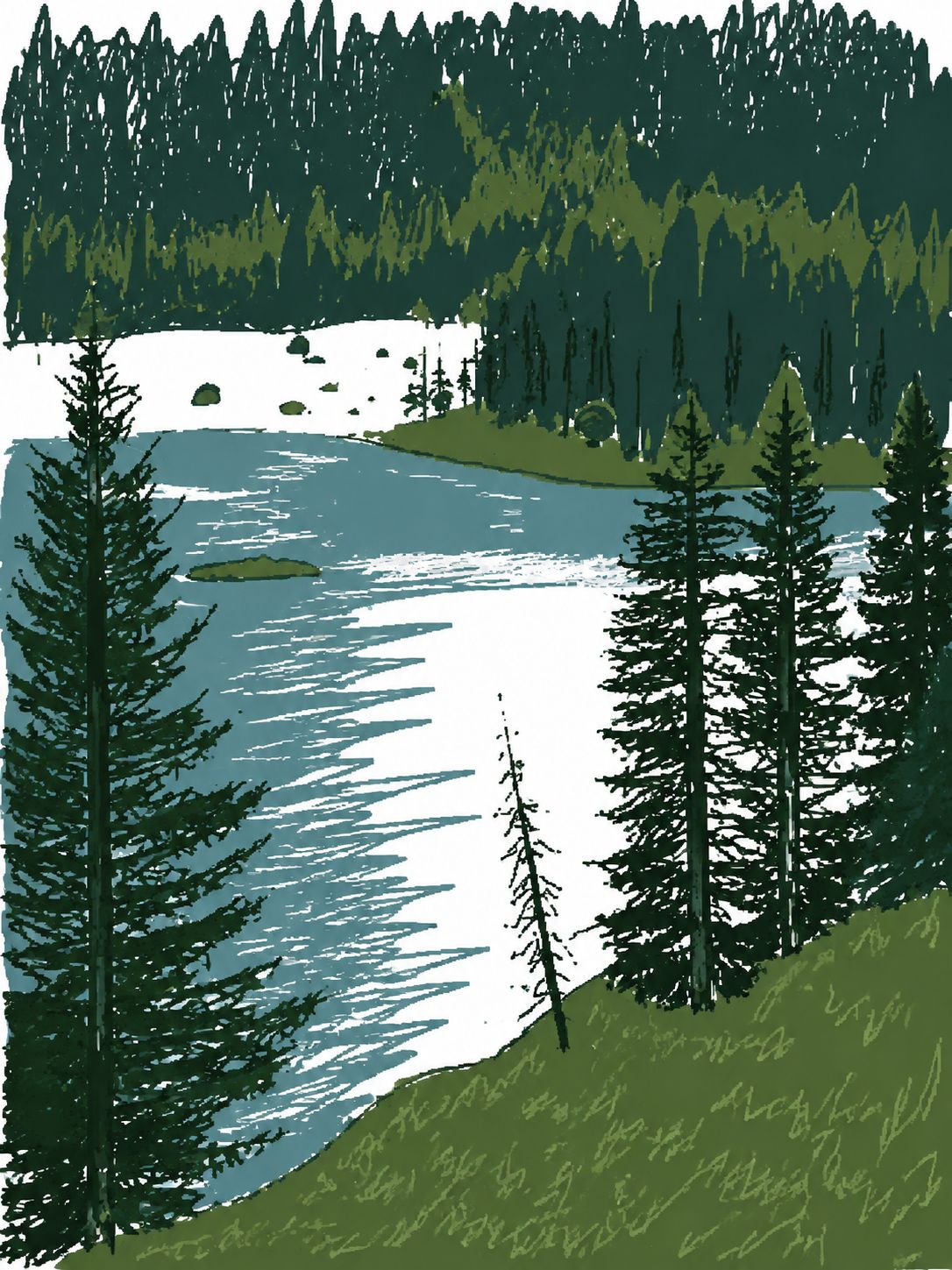
Where this style came from
The upstream is a redraw skill collection on GitHub, and this particular prompt is the funniest thing in it: an instruction to draw as badly as possible, ending with the line “actually, you know what, whatever, just draw it however you want.”
We kept that ending. It reads like a joke, and it is, but it is also doing work — it gives the model permission to stop optimising, which is precisely the behaviour this style needs and the one every other prompt on this site spends its length suppressing.
What we added were the guardrails that keep it from being merely broken. Left completely free, the output drifts until it no longer resembles the photo at all, and a scribble of nothing in particular is not funny. So the prompt now pins three things: keep the source palette, keep composition and subject count loosely recognisable, and do a full redraw with no photographic pixels surviving. The gag depends on the gap between what you can tell it was and how badly it went.
The other addition is a rule against cleaning up. Image models are trained toward polish; asked for a bad drawing they will produce a competent illustration of a bad drawing. The prompt explicitly forbids softening, anti-aliasing and beautifying, which is a strange thing to have to write down, and necessary.
What is in the prompt
- The brief
- Redraw the photo in the most clumsy, scribbly, utterly pathetic way possible — as if drawn in MS Paint with a mouse. Vaguely similar, but also not really.
- Still recognisable
- Composition, subject count and pose stay loosely identifiable. Someone who knows the original should still be able to tell what it was — the joke only works if you can see what it is failing at.
- Deliberately wrong
- Proportions, outlines, spacing and perspective must look confusingly inaccurate. Wobbly single-pixel strokes, flat rough fills, visible gaps and overshoots.
- Colour
- The photo’s dominant palette is kept. No new colours are invented — the colours are the thread back to the original.
- No cleaning up
- The prompt forbids softening, polishing, beautifying, anti-aliasing or reinterpreting the bad drawing. Models want to help; this one is told not to.
- What it refuses
- A full redraw — no photographic pixels survive. No text, no watermark, no signature, and no objects that were not in your photo.
The full production prompt is built into generation and is not published.
Take the prompt with you
A distilled public version of this style. Paste it into any image model and swap {subject} for your own scene.
Draw {subject} in the most clumsy, scribbly, utterly pathetic way possible — like it was drawn in MS Paint with a mouse. Wobbly single-pixel-width strokes, flat rough fills with visible gaps and overshoots, confusingly inaccurate proportions and perspective, vaguely recognizable but also kind of off in an awkward way, with that low-quality pixel-by-pixel feel that really emphasizes how ridiculously bad it is. Keep the scene's natural color palette, just applied badly. Do not soften, polish, anti-alias or beautify the deliberately poor drawing style; no text, no watermark, no signature anywhere in the image.
Example subject: a golden retriever leaping to catch a frisbee in a park
Good for / not for
Works well
- Pets, and animals generally
- Anything you want to send a friend as a joke
- Simple compositions with one obvious subject
- Photos whose colour is memorable
Not this one
- Anything you want to look good
- Portraits of people who did not consent to being drawn badly
- Detailed scenes — the scribble flattens them into mush
- Photos where the subject is hard to identify to begin with
Common questions
Can I choose the aspect ratio?
Choose original (the default), 3:4, 4:5, 1:1, 9:16, 4:3, 16:9 or 2.35:1. The layout adapts to your selected canvas.
It came out badly. Is that a failure?
No, that is the product. This style is not a low-effort version of a good style — the badness is specified in detail and defended against the model's instinct to tidy up.
Can it add a caption?
No. The prompt bans text, watermarks and signatures outright. If you want a deadpan line, use the alt-comic style instead.