 PrettyLazy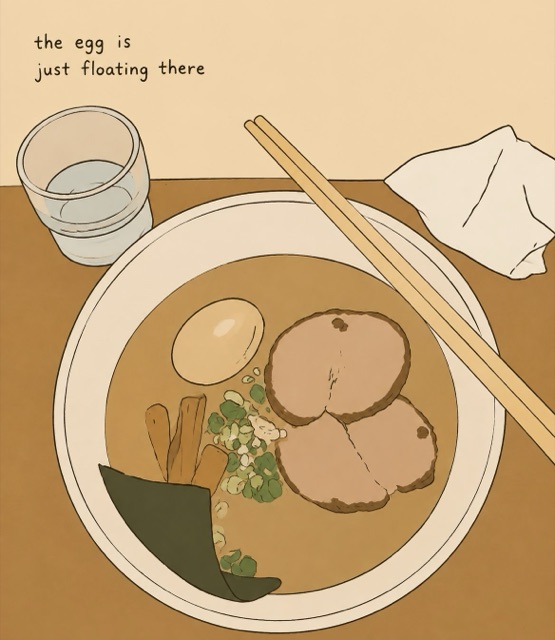
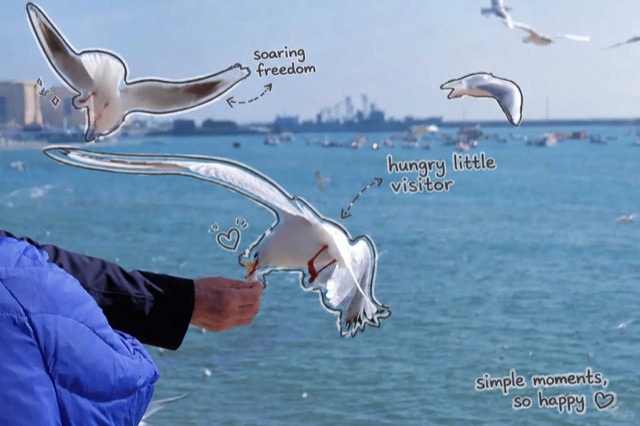
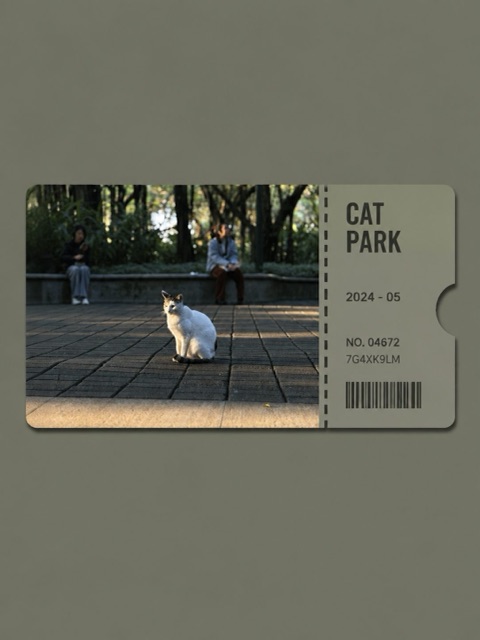
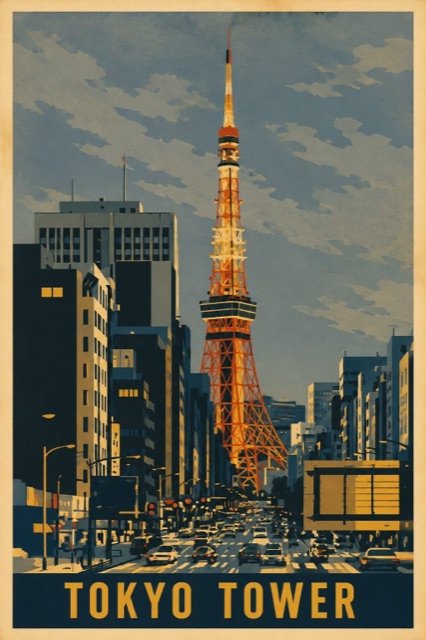
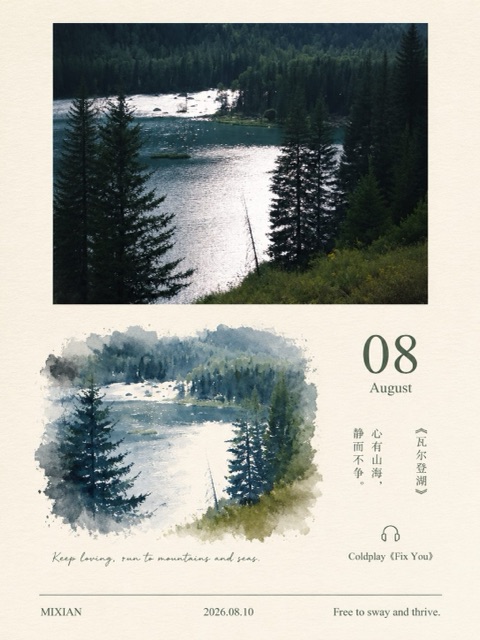
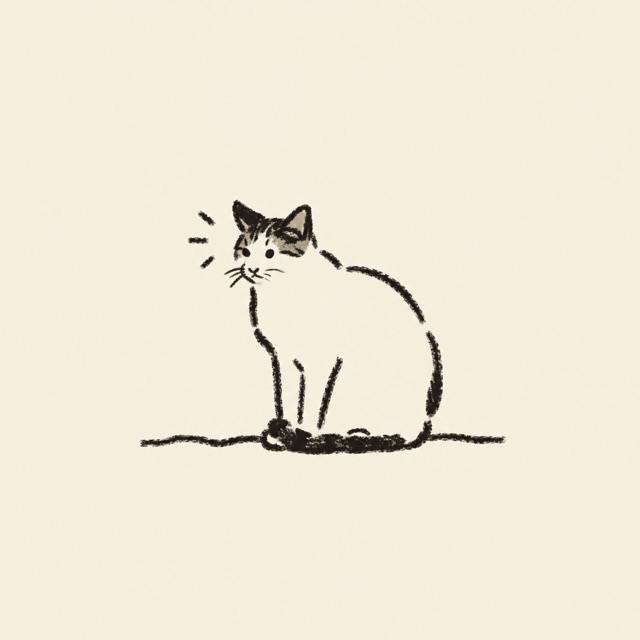
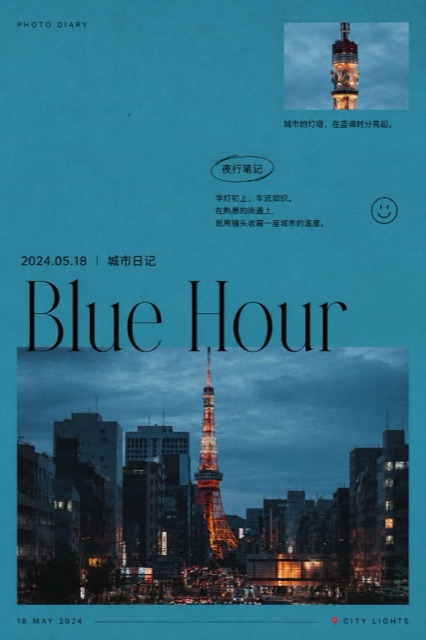
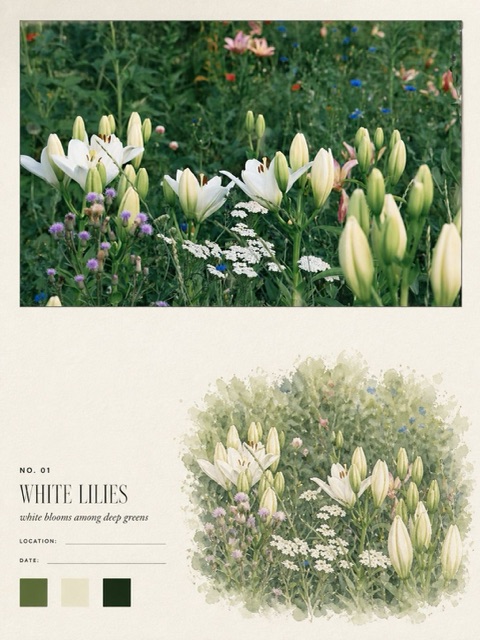
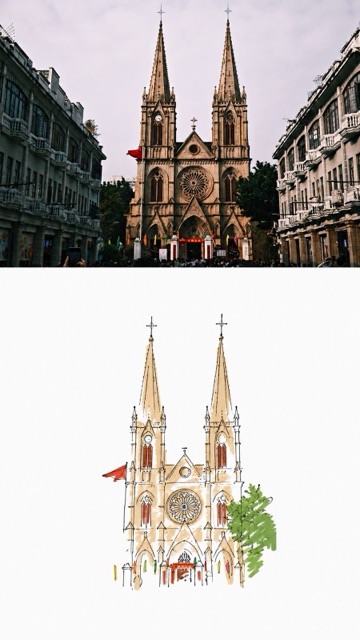
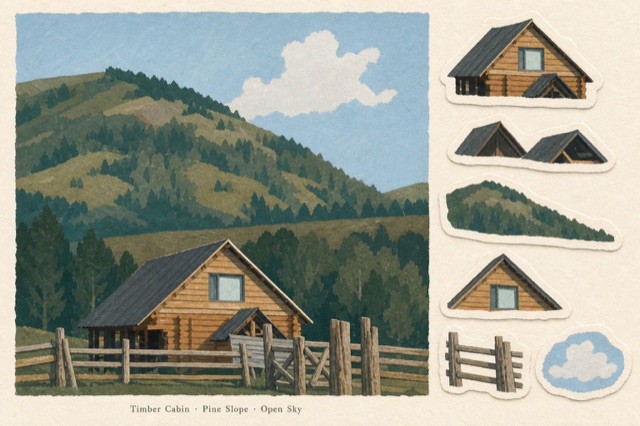
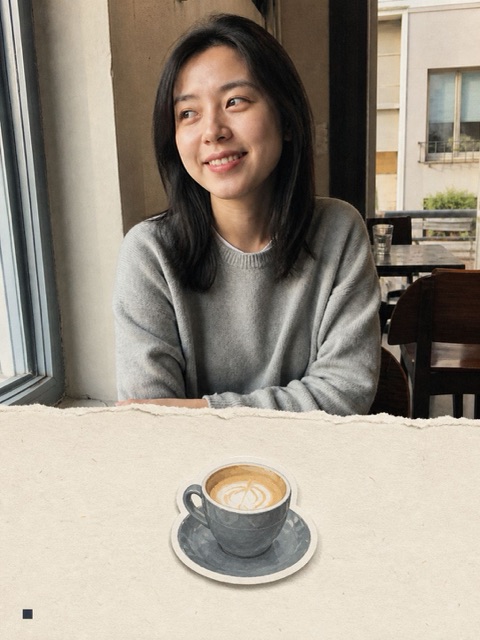
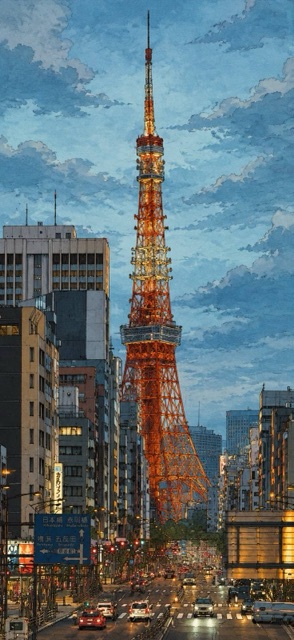
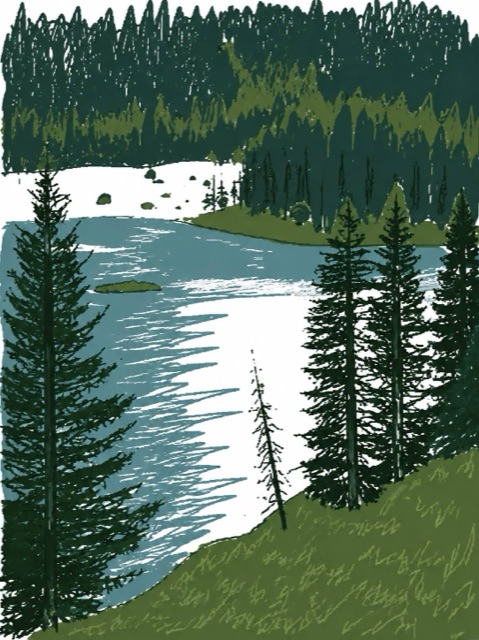
Photo to art
PrettyLazy turns any photo to art in one click: no editing skills, no layers, no brushes, no design apps. Pick a photo, pick a style, and the composition, paper and color are decided for you; about a minute later the artwork is ready. For people who never edit, it is the fastest way to go from photo to art without learning a single tool.
Photo to Art Styles
Simple styles that each do one thing really well
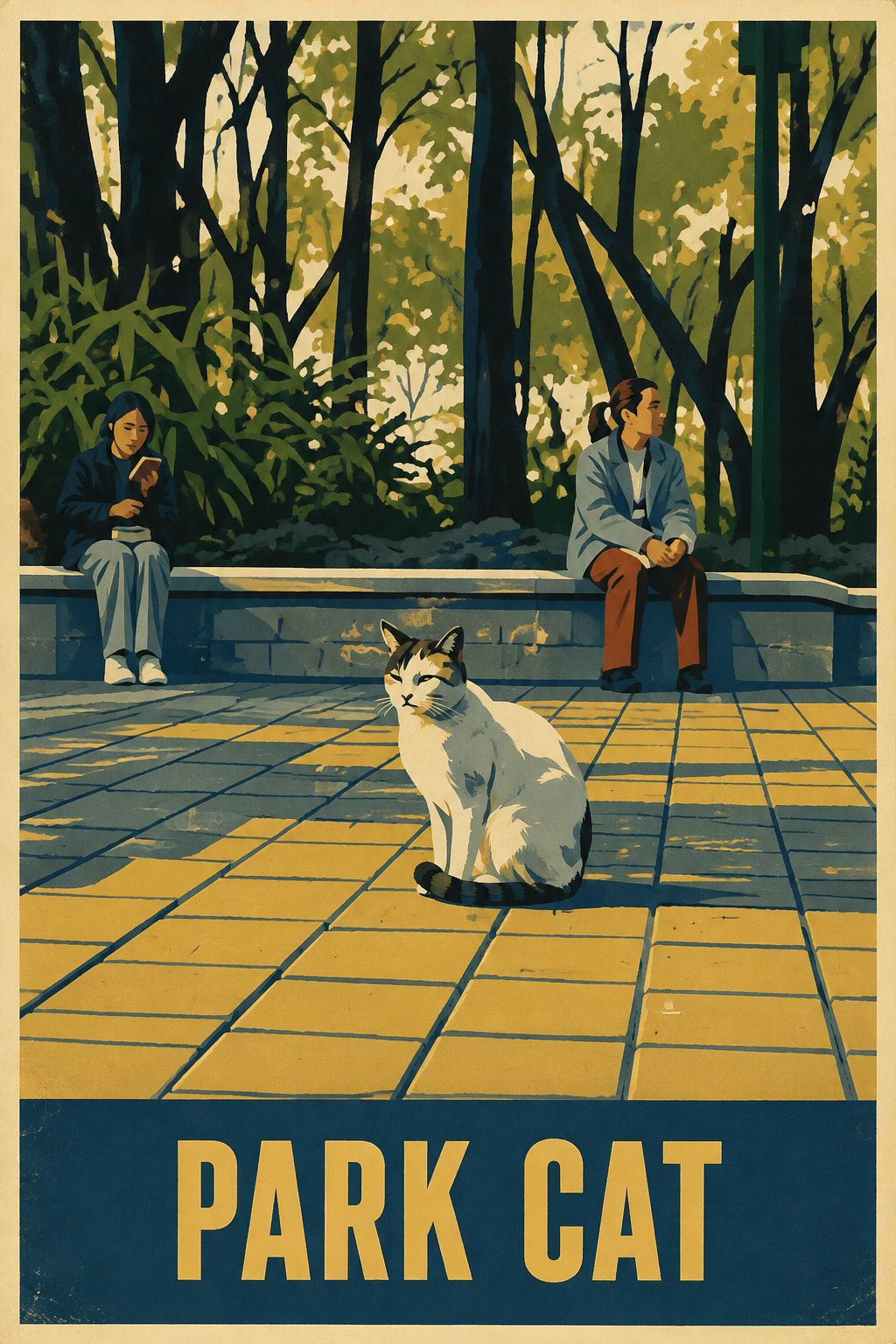
Soviet-era poster
Vintage offset print, 1957–1980 mood
Pathetic scribble
Redrawn as badly as possible, on purpose
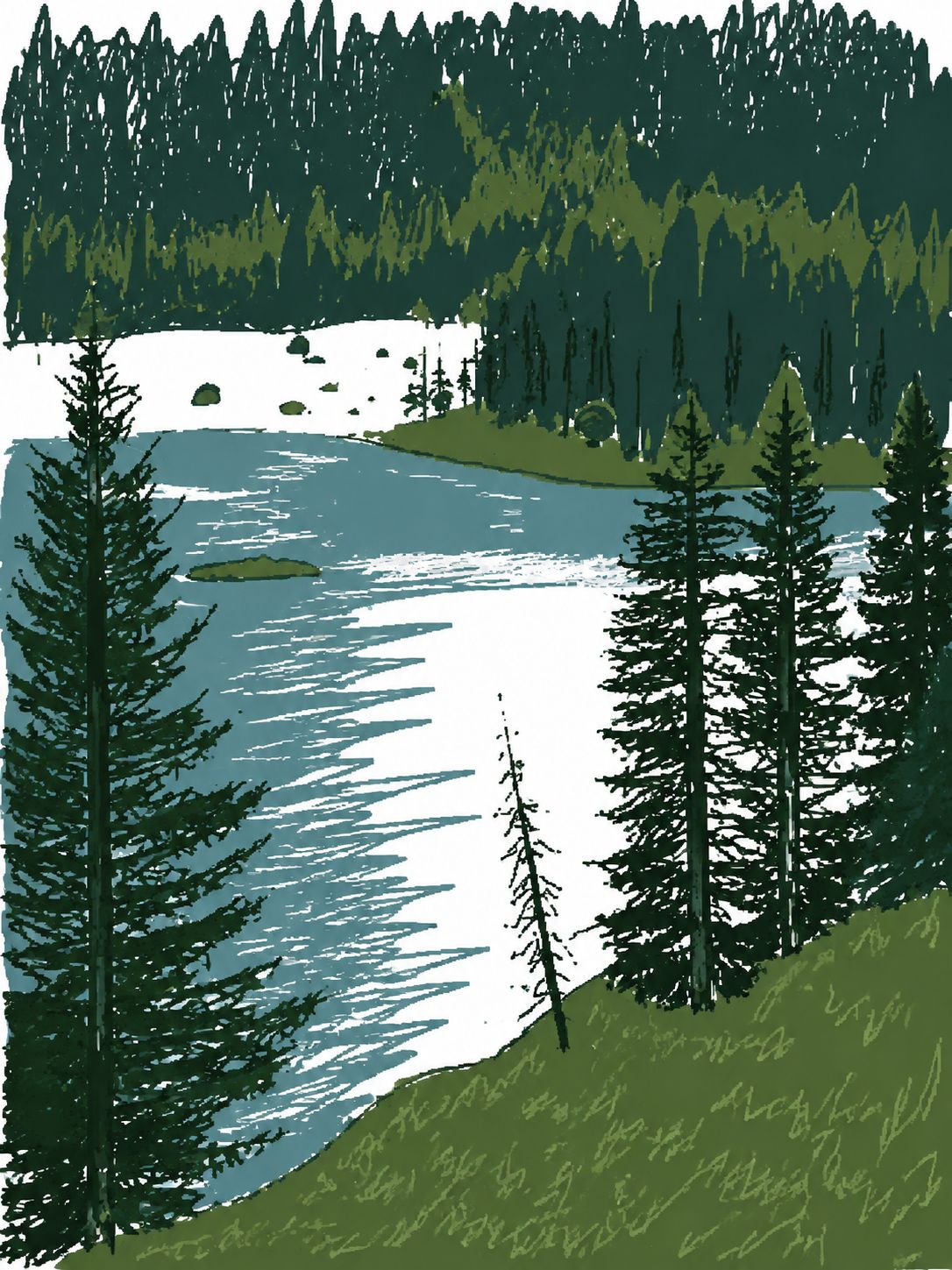
Sunlit travel sketch
The whole scene re-inked as an animation background
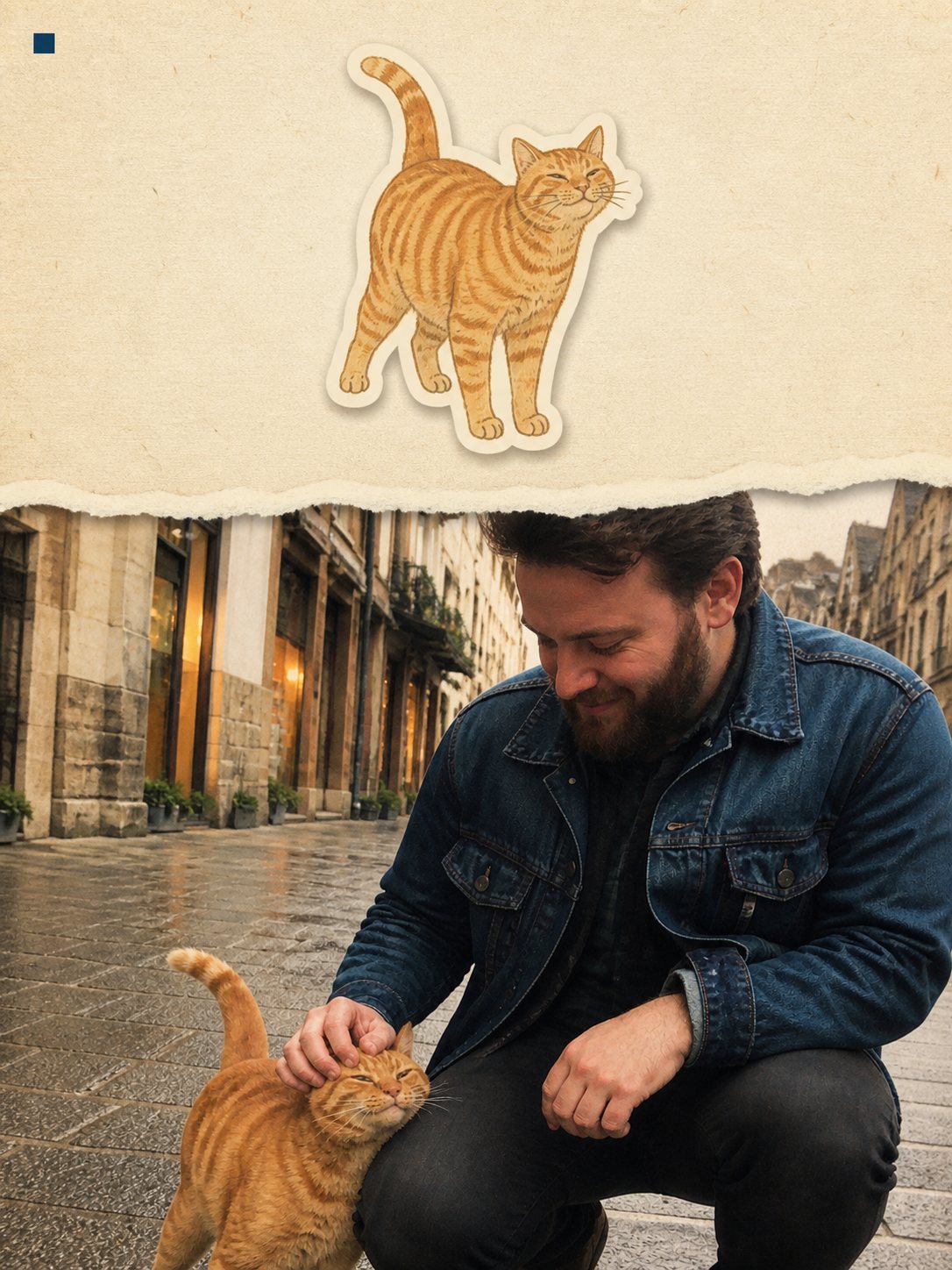
Torn-paper journal
Photo and paper split by one hand-torn edge
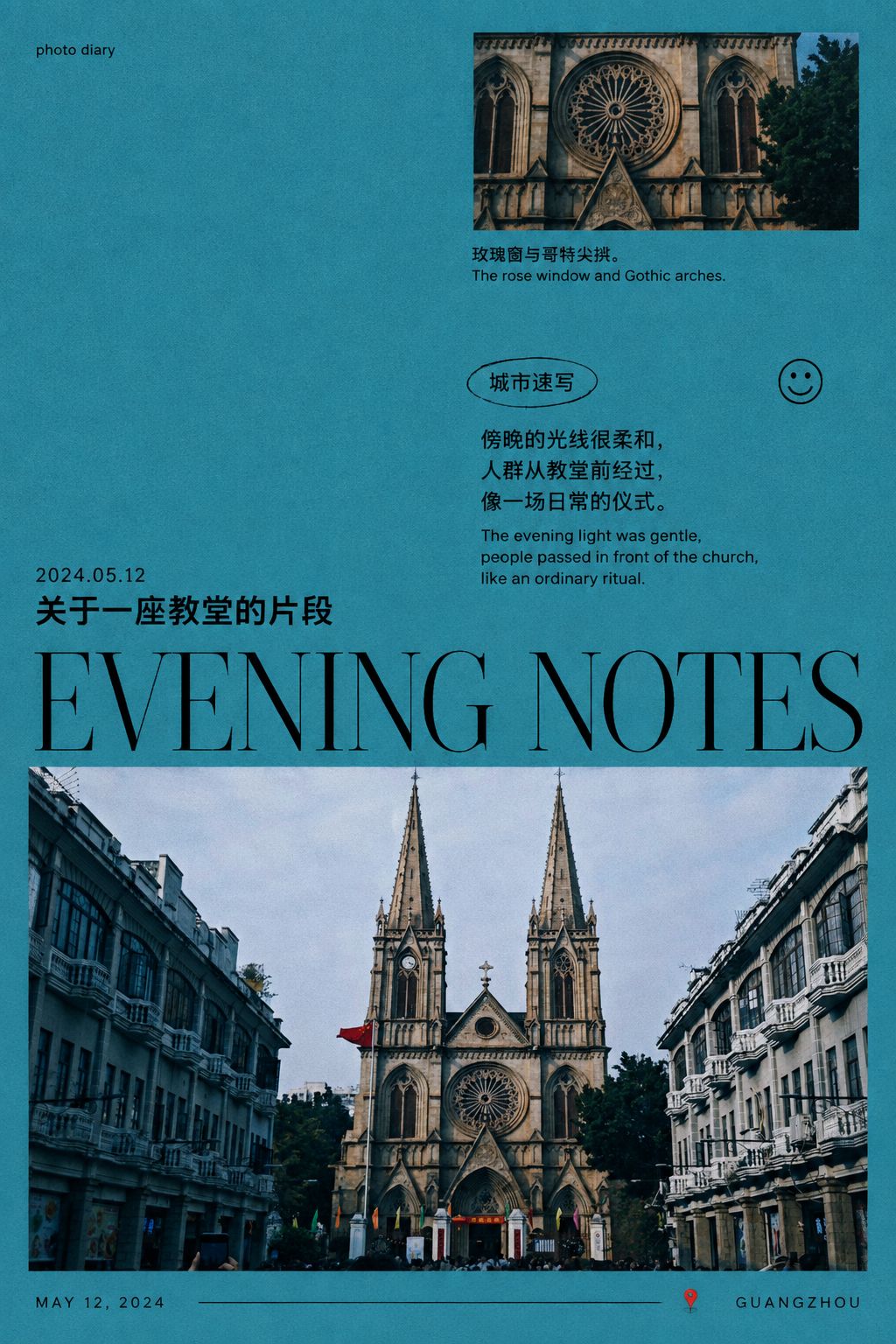
Blue-hour diary poster
A cool-blue zine cover for an ordinary evening
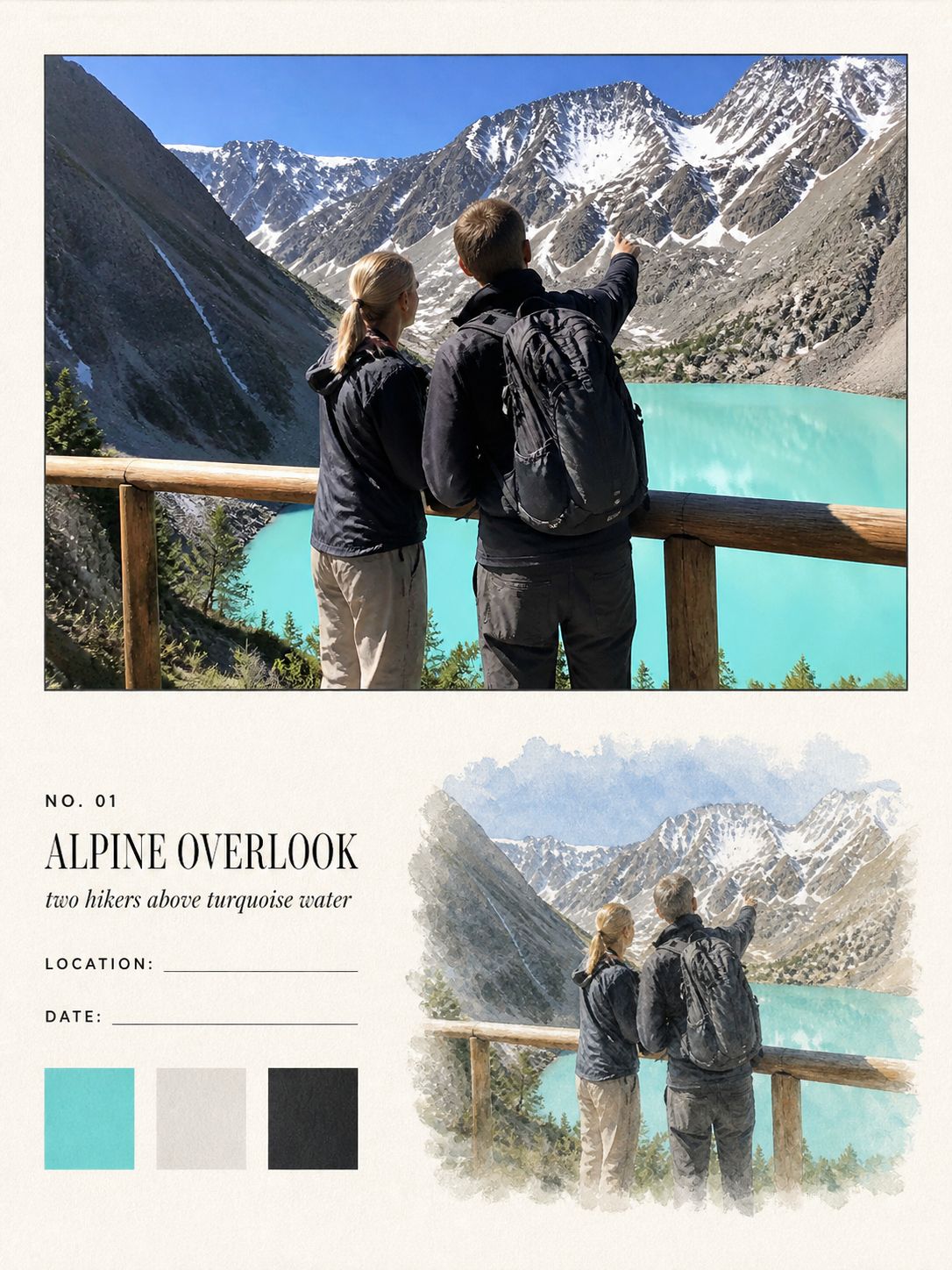
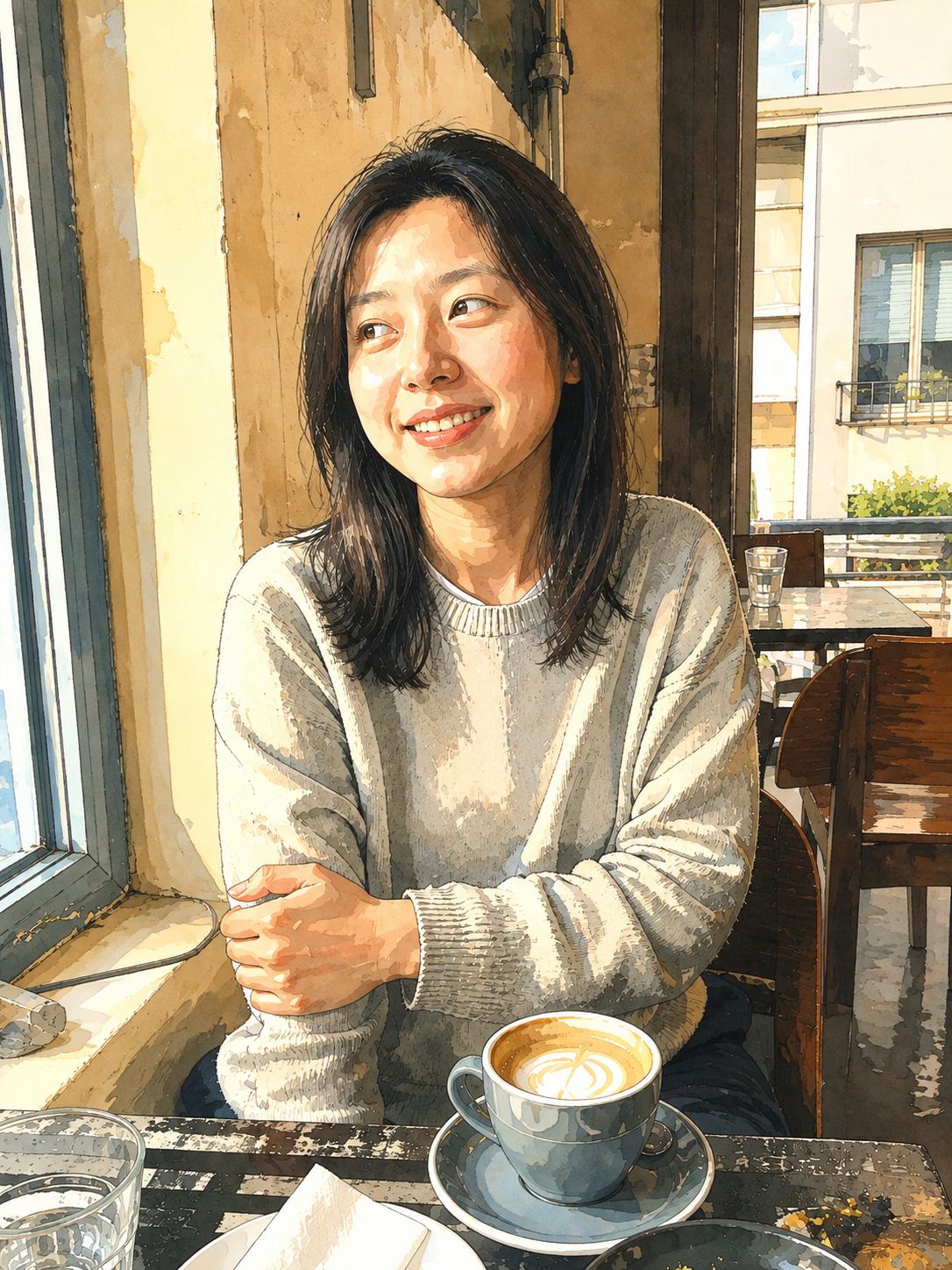
Watercolor field note
Your photo above, the same scene in watercolour below
Frequently asked questions
What is PrettyLazy?
PrettyLazy is a photo to art generator. Upload a picture from your camera roll: a quiet breakfast, a walk home, a friend laughing mid-sentence. It keeps the real people and places exactly as they are, then grows paper textures, illustration and a single color around them, until an ordinary photo becomes a small piece of art worth lingering on. No design apps, no work: the kind of beautiful your daily records deserve.
What ways to create are there?
Thirteen styles so far, and more are on the way. Some keep your photo untouched and build a page around it: hand-drawn white-pen notes, a cool-blue diary poster, a collectible ticket card, a torn-paper journal, a monthly zine postcard, a memory poster. Others redraw the whole scene in a distinct voice: a minimalist alt-comic, a crayon vignette, a clumsy scribble, a sunlit ink travel sketch, a Soviet-era print, a watercolor field note, a travel sticker card. Each style reads your photo first, then makes one thing well. Whichever you pick, your works still sit together like one collection. Try Hand-drawn Notes
Is PrettyLazy free to try?
Yes: new accounts come with free credits, enough to turn your first photos into art and see whether you like the results. After that, credits are pay-as-you-go: no subscription, and unused credits stay in your account.
What AI models does PrettyLazy use?
PrettyLazy currently runs on GPT-5.6 and GPT-Image 2. GPT-5.6 reads your photo first (who is in it, where the light falls, what mood the scene carries) and writes the creative plan; GPT-Image 2 then paints the artwork from that plan. As stronger models are released we swap them in behind the scenes, and every style benefits automatically; you never pick or configure a model yourself.
What kind of photos work best?
Ordinary ones. Daylight snapshots, dinner tables, streets, pets, people mid-conversation. Group photos work. Slightly messy photos work too; the analysis is built around real scenes, not studio portraits. Very dark or heavily blurred photos are the only ones worth retaking.
How is this different from a photo filter?
A filter changes the colors of your pixels and stops there. PrettyLazy treats photo to art as composition, not recoloring: it decides a layout, draws illustrated details, adds paper texture and picks a single carrying color, with your real, unaltered scene at the center. The result is not your photo with a tint; it is art that contains your photo’s truth.
Why use PrettyLazy instead of GPT?
Because there is nothing to prompt. Getting a print-ready artwork out of a general chatbot means writing prompts, describing a style, and regenerating until something sticks, and the next photo starts from zero again. PrettyLazy does that work for you: it analyzes the photo, writes the creative plan behind the scenes, and keeps every piece in the same paper-and-illustration language. One click gets you the result you actually wanted, and this month’s works still match last month’s.
Can I print the artworks?
Yes. Everything is generated at high resolution in a 2:3 ratio, which fits standard print sizes, from 4×6″ cards up to poster prints. The results are designed with paper in mind, so they look at home framed or in a journal.
What happens to my photos?
Your photos are uploaded to generate your artworks and stay in your account; they are not used for anything else and are not shared. Read the Privacy policy
How long does photo to art take?
Usually about a minute, occasionally two at busy hours. You can leave the page while it generates; your result is saved to your Generations either way.
Can I get a refund?
Yes: a credit pack that is completely unused is fully refundable within 14 days of purchase. And failed generations always return their credits automatically, no request needed. Read the Refund policy
Pricing: pay once, no subscription
New accounts start with free credits: enough for your first photo to art generations before you spend anything. When you want more, buy a one-time credit pack: no subscription, nothing renews, and the credits are yours for a full year. Each artwork costs 5 credits.
$9.90
150 credits · ≈ 30 artworks
A month of favorites, kept beautifully.
$14.90
360 credits · ≈ 72 artworks
The lowest cost per artwork.
First top-up: +40 bonus credits
- Credits are valid for 365 days from purchase.
- Failed generations refund their credits automatically, so you never pay for errors.
- Buy the larger pack as your first purchase and get 40 bonus credits on top.
- Prices include any applicable taxes: what you see is what you pay.
Completely unused packs are fully refundable within 14 days.Read the Refund policy
From photo to art in three steps
- 01
Upload one photo. JPEG, PNG or WebP, straight from your phone. There is nothing to prepare: no cropping, no color correction, no cleanup. Ordinary light and everyday scenes are exactly what PrettyLazy is built for.
- 02
Pick a way to create. Pick one of thirteen styles, from hand-drawn notes to a Soviet-era poster. Each one reads your photo first (who is in it, where the light falls, what mood the scene carries), then makes its own decisions about composition, color and paper language. You never touch a slider.
- 03
Get your artwork. About a minute later, your photo has become a high-resolution artwork, ready to download, post or print. If you want a different take, one more click makes another.
Art that keeps the real people and places
Most AI art tools imagine a new picture, and lose your moment in the process. A filter does the opposite: it recolors your pixels and calls it a style. PrettyLazy does neither. It reads what actually happened in your photo (the faces, the place, the hour of the day) and composes an artwork around the real scene, so the result is unmistakably yours. Your grandmother is still your grandmother. The corner café is still that corner café. It is art made from your life, not instead of it.
Every piece also comes out of the same paper language (torn edges, illustration, one deliberate color), so the artworks you make this month sit next to the ones you made last month like issues of the same small magazine. The more everyday photos you turn into art, the more it starts to look like a body of work. Because it is one: yours.
Made for the photos you already have
You do not need a special occasion. The photos that deserve this are already on your phone: the everyday ones that never make it past the camera roll, taken because the light was nice or the food arrived or someone you love looked exactly like themselves for a second.
Daily records, kept beautifully. Turn the best photo of your week into art, and a month of ordinary days becomes a small archive worth flipping through: a photo dump that reads like a magazine instead of a grid.
Gifts that feel hand-made. An artwork made from a photo of someone’s dog, their street, their wedding morning. Printed and framed, it lands like something you spent a weekend on. It took a minute.
Prints, journals and walls. Everything is generated at high resolution in a 2:3 ratio, so it prints cleanly: frame it, tape it into a journal, or pin a season of them above your desk.
Your camera roll is already full of good days. Pick one photo and turn it into art; the first one is on us.