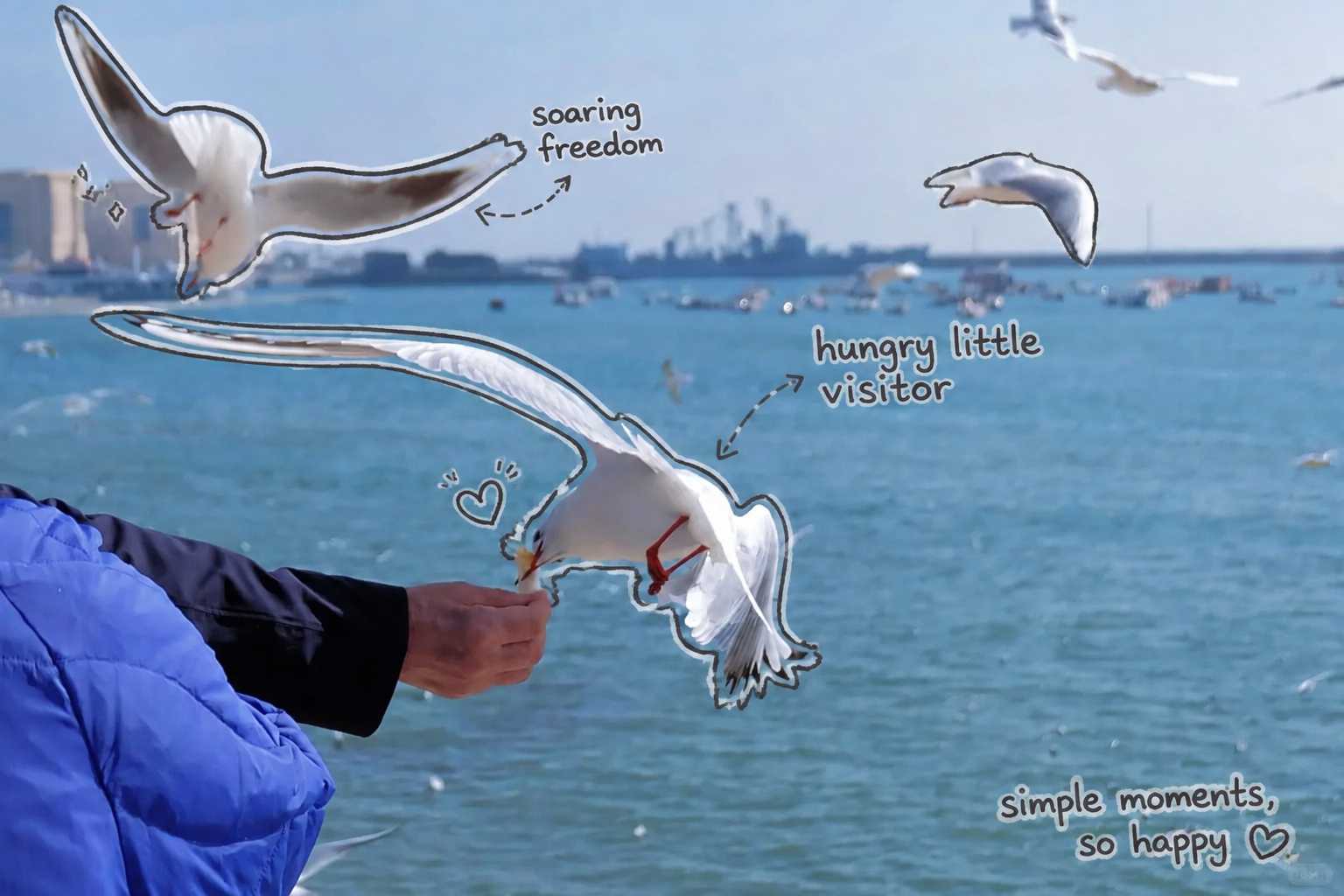
Hand-drawn Notes
Memory poster
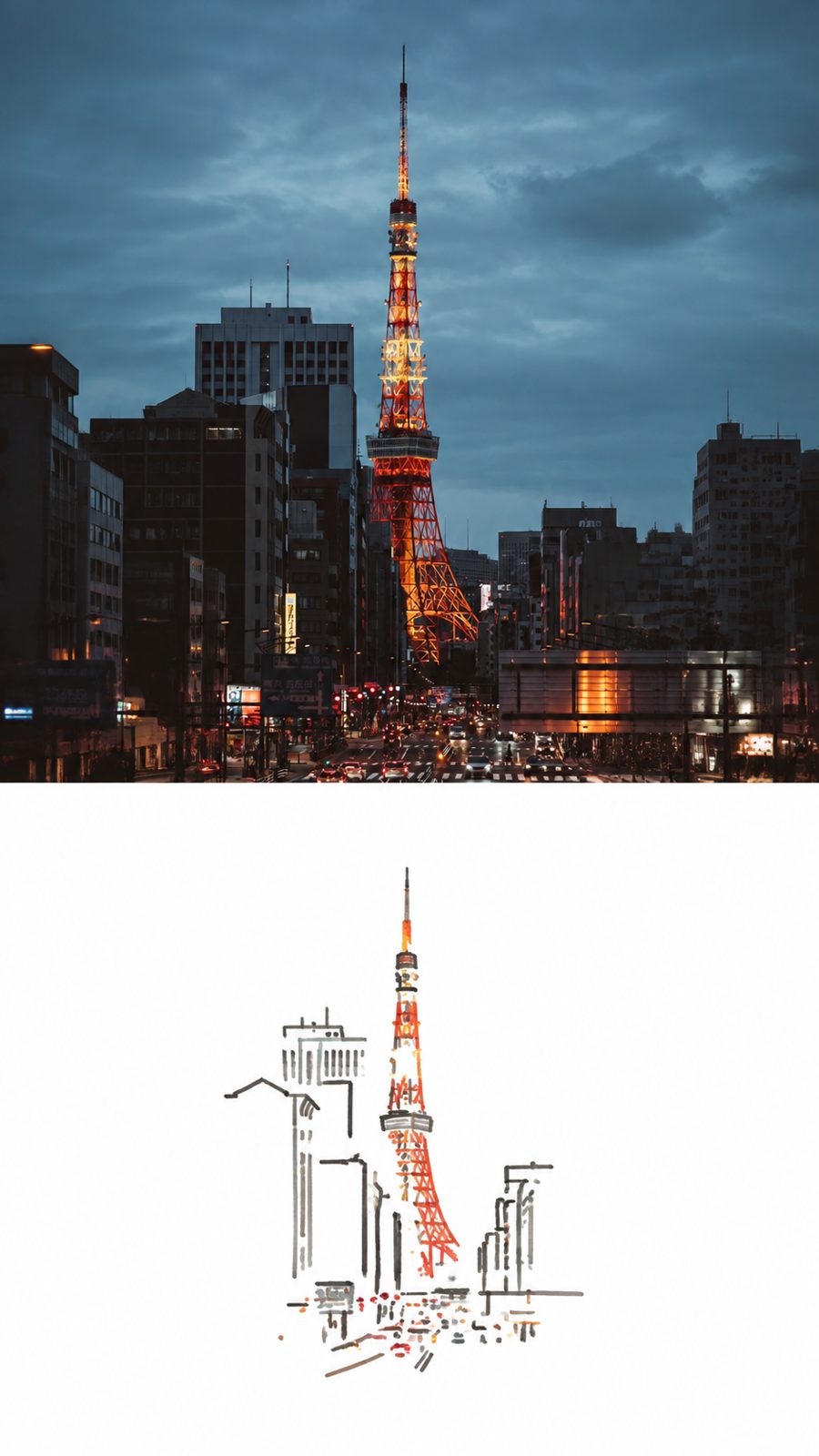
Photo on top, a memory sketch below
- Ratio
- Original, 3:4, 4:5, 1:1, 9:16, 4:3, 16:9 or 2.35:1
- Options
- None
- Origin
- Distilled from an open-source skill · RedSkill · visual-memory-poster@1.0.4
- GitHub skill
- Install for Codex ↗
Each generation costs credits — see your balance in My space.
Create with this styleSamples
Real generations, not mockups.
Where this style came from
Distilled from a skill published on the RedSkill store rather than a public repository, so there is no link to give — the credit line is the store entry and its version.
It is the shortest prompt on the site by a wide margin, and it is short on purpose. The whole design is one idea — the original above, what memory keeps below — and every additional instruction risks filling the empty half that the idea depends on.
Most of what the prompt does is refuse. No border, no frame, no decorative elements, no title, no caption, no arrows, no labels. That list is longer than the description of the sketch itself, because a near-empty white half is precisely what an image model most wants to fix. Left unconstrained it will add a caption to explain the drawing, then a thin frame to make it look finished, and the piece stops being about the gap between a photograph and a memory.
The original design used a 9:16 canvas. The editor now offers original plus seven preset ratios: the photo and memory stack in portrait or square formats and sit side by side in landscape formats, keeping the sketch small within its quiet white region.
What is in the prompt
- Two halves
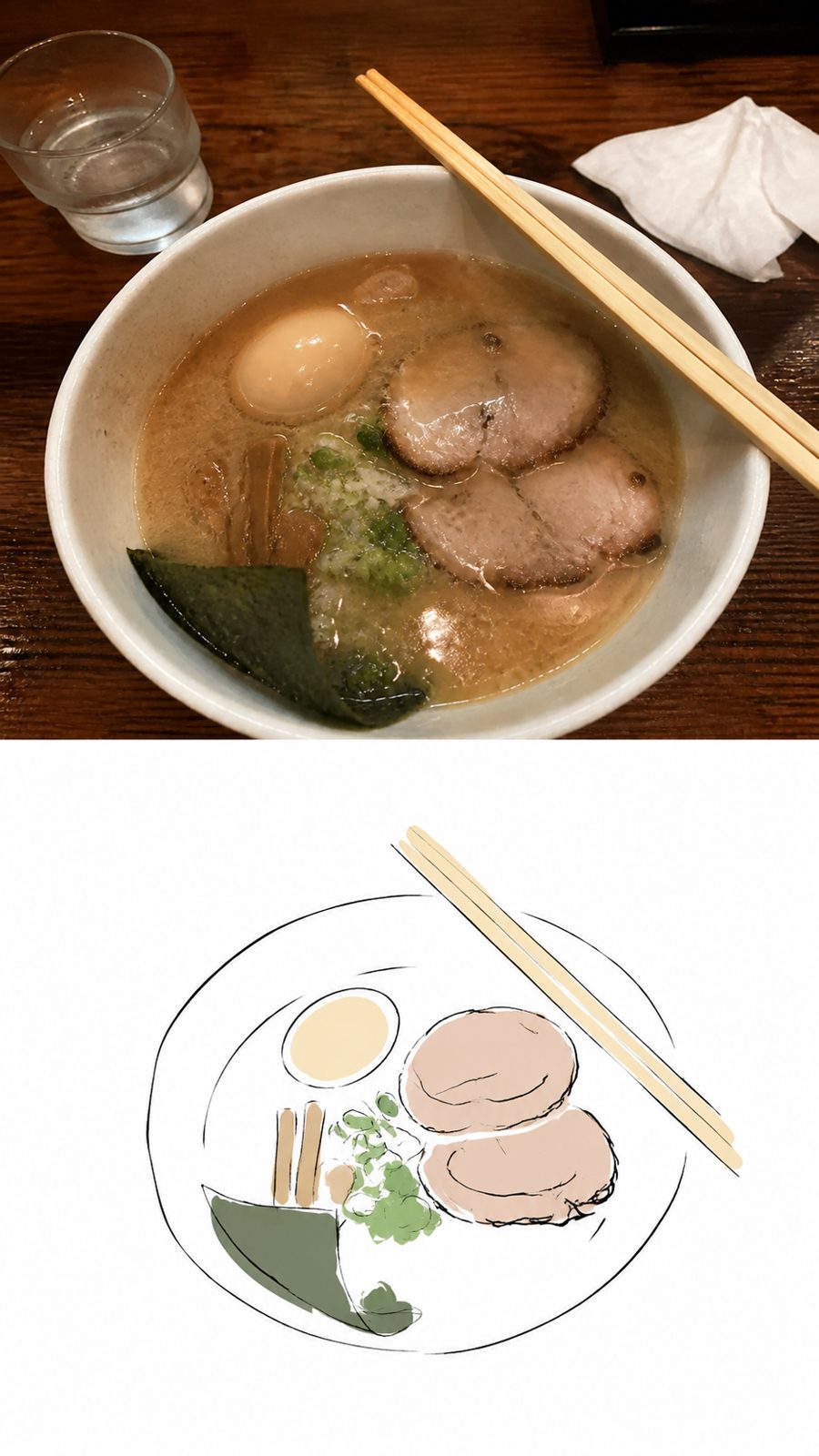
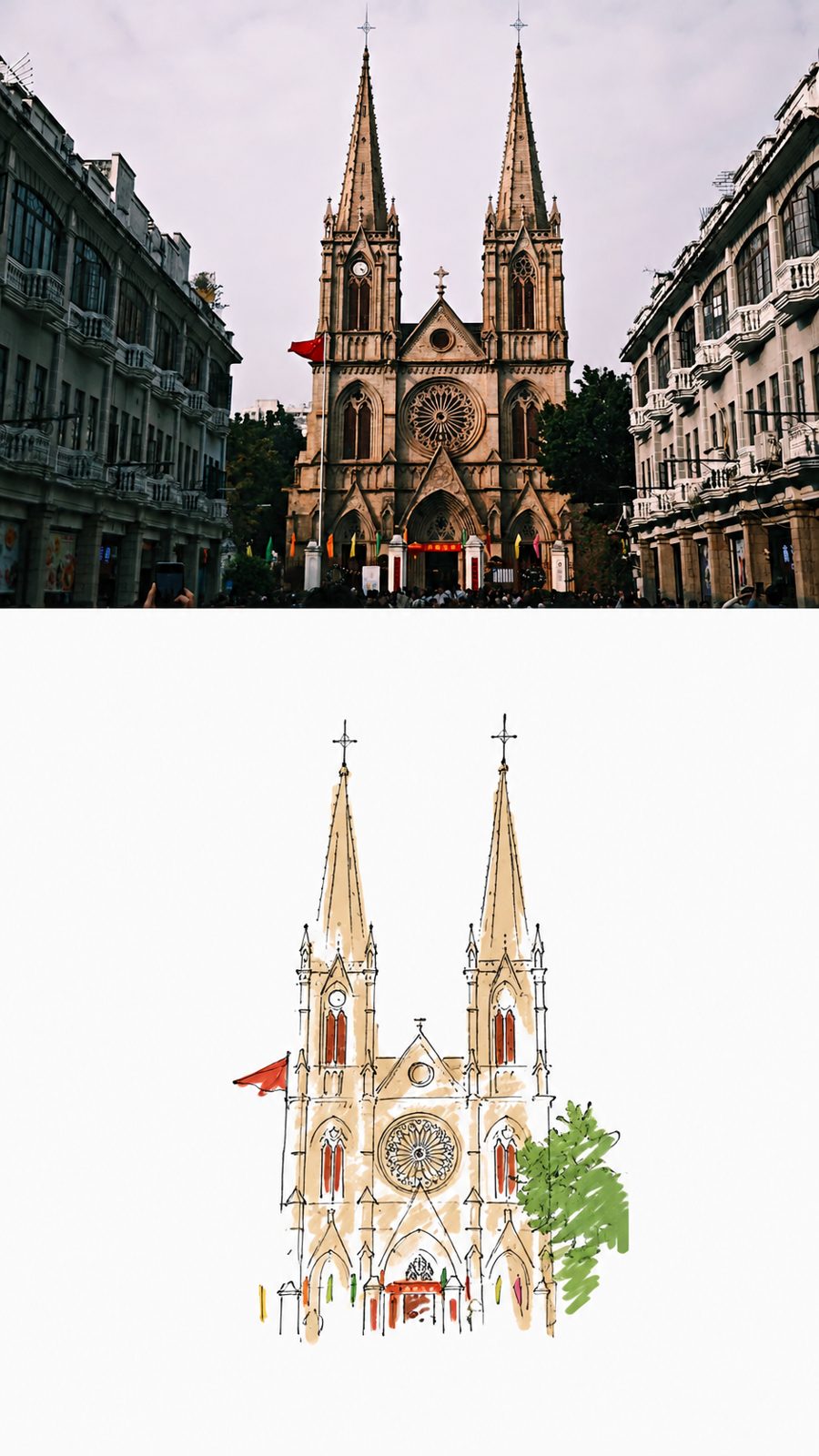
- The upper 50% is your original photo, unchanged. The lower 50% is white ground carrying a minimal memory sketch extracted from it. The finished piece should read as reality set against memory.
- The sketch
- Not a realistic redraw of the photo. It extracts what a memory would keep — a shape, a gesture, a relationship — and leaves the rest out.
- Placement
- The sketch sits dead centre in the white area with generous negative space all around it. Big margins are the design, not leftover room.
- Nothing else
- No border, no picture frame, no decorative elements, no title, no caption, no arrows, no labels. The lower half is the sketch and white paper, and that is all.
- Two regions, any canvas
- Choose original or seven preset ratios. Photo and memory stack on portrait and square canvases, and sit side by side on landscape canvases.
The full production prompt is built into generation and is not published.
Take the prompt with you
A distilled public version of this style. Paste it into any image model and swap {subject} for your own scene.
A 9:16 vertical visual-memory poster of {subject}, split into two stacked halves. Top half: the scene as a faithful photograph, unstylized and uncropped. Bottom half: pure white ground with a small memory sketch floating in the center — the scene compressed to its visual essence in quick continuous marker line, broken contours, unfinished strokes, childlike confidence and inaccurate proportions, like something drawn from a five-second memory after looking away. Sample only three to six key colors from the scene as flat marker swatch blocks; no gradients, no realistic shading, no photographic coloring. The sketch occupies just 20-40% of the white area and everything else stays empty. No borders, no titles, no captions, no arrows, no labels — the poster should read as reality above, memory below.
Example subject: a ferris wheel by the waterfront at dusk
Good for / not for
Works well
- Photos with one strong, simple gesture or shape
- Portraits and moments rather than scenery
- Images that mean something to you specifically
- Social posting — the 9:16 shape fits stories
Not this one
- Complex scenes with no single memorable element
- Photos where you want the whole frame emphasised
- Photos where the main subject is too small to recognize
- Anything needing a caption, since none is allowed
Common questions
Why is there so much white space?
Because that is the style. The lower half is deliberately near-empty — the contrast between a full photograph and an almost-blank page is the whole idea.
Can I add a title?
No. The prompt bans titles, captions, labels and arrows outright. If you want words on the image, the hand-drawn notes style is the one that writes.
Can I choose a different ratio?
Choose original (the default), 3:4, 4:5, 1:1, 9:16, 4:3, 16:9 or 2.35:1. The layout adapts to your selected canvas.